

Client Onboarding Checklist for Web Designers and Agencies
In this article
The first two weeks of a project set the tone for everything that follows. A confusing start leads to late content, unclear feedback and arguments about scope. A structured onboarding process prevents most of that. Use this client onboarding checklist as a starting point and adapt it to the way you work.
Before the kickoff: agree and prepare
- Signed agreement and deposit. Do not start until both are in. It protects you and signals commitment from the client. See what a contract should include.
- Welcome email. Introduce the team, confirm the start date and tell the client what will happen in the first week.
- One main contact. Ask the client to name one person who gives feedback and approves work.
- Project workspace. Set up a shared folder and a task board, and share the links.
Information to collect
Send the client a short questionnaire so you do not have to ask for everything on a call. Cover:
- Business, audience and goals (see our list of questions to ask a new client).
- Brand assets: logo files, colours, fonts and brand guidelines.
- Existing content, photography and videos.
- Competitors and websites they like.
- Technical details: domain, hosting, current platform, analytics and any integrations.
Access you will need
Gather access early, because waiting for a login can delay a project by days. Typical items are the domain registrar, hosting, the current website admin, analytics, search console, email marketing and social accounts. Ask clients to share logins through a password manager or by inviting you as a user, never by email.
Set expectations in writing
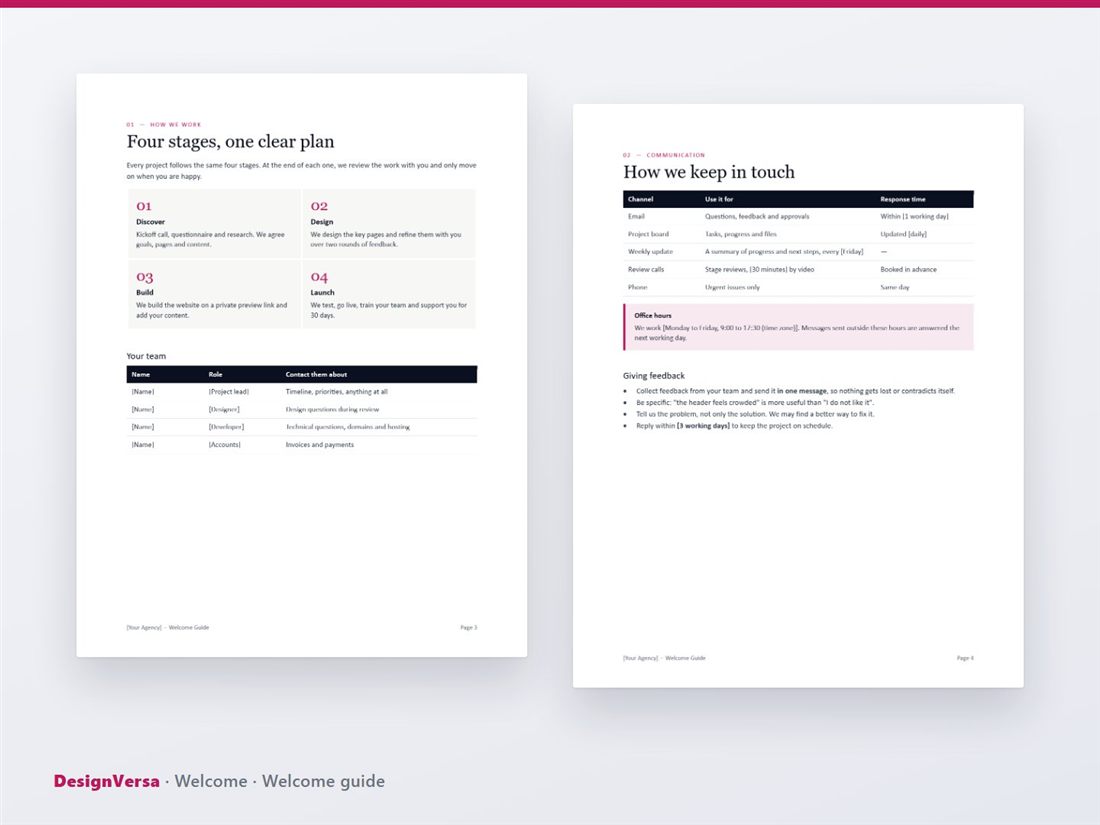
Most friction comes from unspoken assumptions. In your welcome guide, spell out:
- Communication. Which channel for what, and your response times.
- Feedback. One consolidated message from the client's team within an agreed number of working days.
- Revisions. How many rounds are included, and what extra rounds cost.
- Content. Who writes it, and the date it is due.
- Payments. When invoices are sent and due.
Run a kickoff or discovery workshop
A 60 to 90 minute kickoff meeting aligns everyone on goals, scope, timeline and roles. For larger projects, run a discovery workshop with the people who know the business best. A simple agenda is: introductions, goals and success measures, audience, scope, timeline, risks and next steps. Our kickoff deck and discovery workshop pack give you the slides, exercises and interview guides.
Build a shared timeline
Turn the schedule into something both sides can see, with client tasks such as content and approvals shown alongside your own. When a client sees that the launch date depends on their content arriving, deadlines are met far more often.
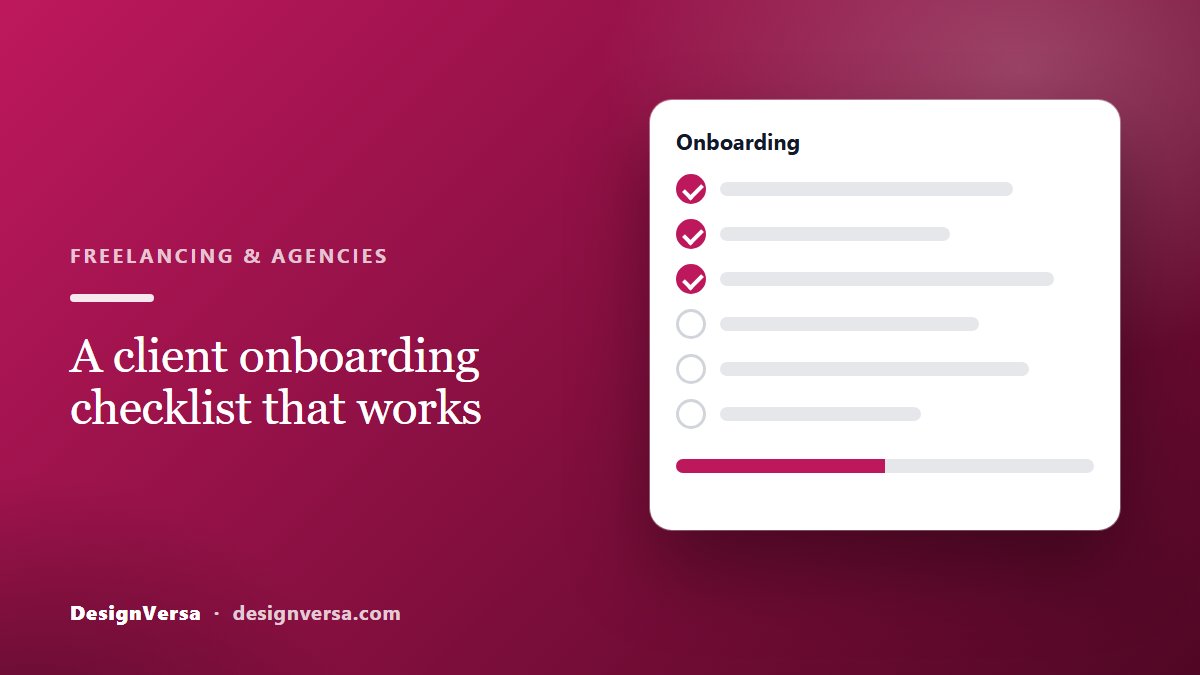
The checklist at a glance
- Agreement signed and deposit received
- Welcome guide sent
- Main contact and approver named
- Questionnaire completed
- Brand assets and content received
- Access to domain, hosting and analytics shared securely
- Kickoff held and notes sent
- Timeline shared with client tasks marked
Save time with ready-made documents
You do not have to write all of this from scratch. The Welcome onboarding pack includes a client welcome guide, an onboarding questionnaire, a content checklist and an Excel project timeline that updates itself when you change the start date. Browse every client onboarding template to see what else is available.
Ready-made templates for your next project
HTML website templates, admin dashboards and editable business templates, with live previews and instant download.