


HTML vs WordPress vs React Templates: Which Should You Use for a Client Site?
In this article
Every web project starts with a platform decision, and it often gets made out of habit. A restaurant, a SaaS product and a membership community have very different needs. This guide compares three common approaches to building client websites from templates: plain HTML, WordPress and React, and shows when each one fits.
Plain HTML, CSS and JavaScript
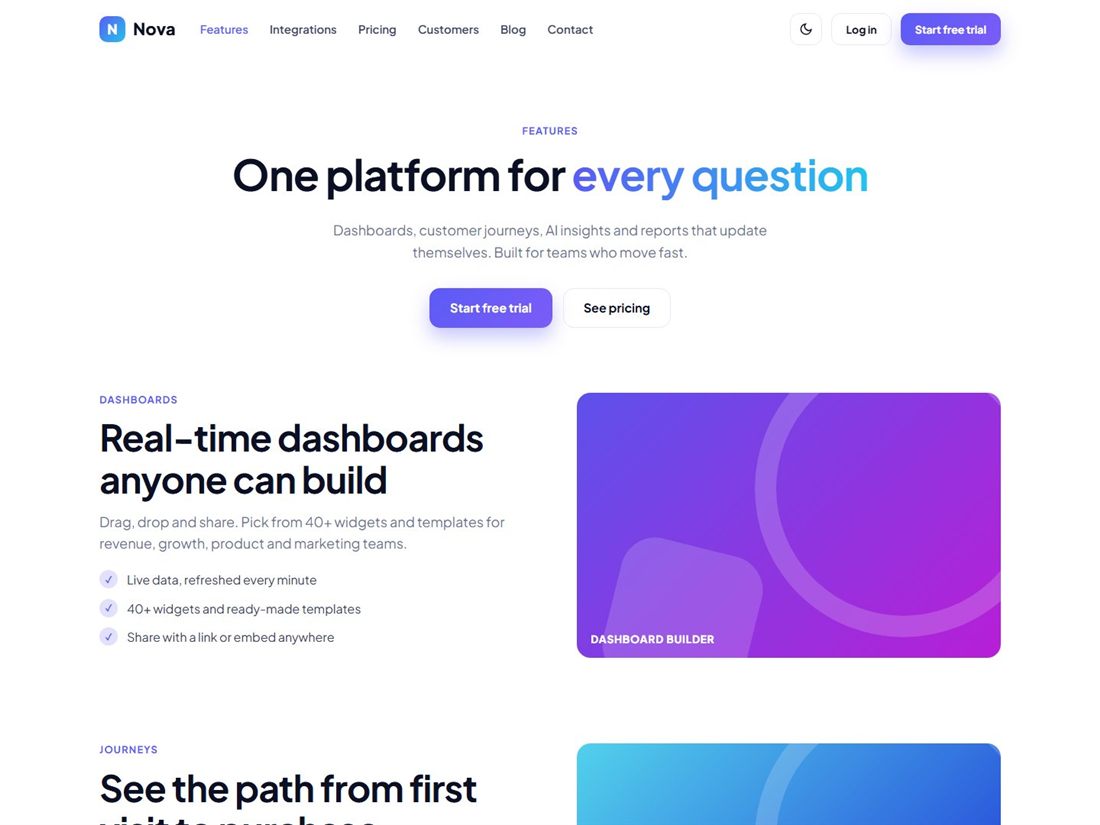
An HTML template is a set of static files you open in a code editor and upload to any host. There is no database, no admin panel and no framework to update.
Strengths
- Very fast, because pages are static.
- Cheap and simple hosting, and a small attack surface.
- Complete control over the markup and design.
- Nothing to update on a schedule.
Limitations
- The client cannot edit content without code, unless you add a content system.
- Repeating elements such as headers need to be maintained on every page, or generated by a build tool.
- Dynamic features such as accounts and payments need a backend or third-party service.
Best for: brochure sites, landing pages, portfolios, restaurants and small business sites that change rarely, and as a starting point for front-end work on a custom backend.
WordPress
WordPress is a content management system. Clients log in, edit pages and publish posts without touching code, and a large ecosystem of themes and plugins adds features.
Strengths
- Clients can manage their own content.
- Huge ecosystem and plenty of developers.
- Good for blogs, news and sites with frequent updates.
Limitations
- Needs regular updates, backups and security care.
- Many plugins can slow the site and add risk.
- Hosting costs and maintenance are higher than for a static site.
Best for: sites where non-technical people need to edit content often, such as publishers, local businesses with news and event pages, and marketing sites with many editors. An HTML template can also be converted into a WordPress theme when you need both the design and the editing.
React and similar frameworks
React is a JavaScript library for building interactive interfaces. Frameworks built on it, such as Next.js, add routing, server rendering and tooling.
Strengths
- Excellent for complex, state-heavy interfaces: dashboards, apps and tools.
- Reusable components keep large projects consistent.
- A rich ecosystem for data, forms and testing.
Limitations
- A bigger learning curve and a build step.
- More dependencies to keep up to date.
- More than most brochure sites need.
Best for: web applications, SaaS products and dashboards where the interface changes in response to data and user actions.
How to choose
| Question | HTML | WordPress | React |
|---|---|---|---|
| Client edits content often | No | Yes | Only with a CMS |
| Fast and cheap to host | Yes | Moderate | Moderate |
| Complex app-like interface | Limited | Limited | Yes |
| Ongoing maintenance | Minimal | Regular | Regular |
| Best starting point | Brochure sites | Content sites | Applications |
A useful rule: pick the simplest approach that meets the client's real needs. A five-page business site rarely needs a framework, and a SaaS dashboard rarely belongs in a page builder.
Starting from a template
Whichever route you choose, a good template saves weeks. Our HTML website templates are plain HTML5, CSS3 and vanilla JavaScript with 12 or more pages each, so you can use them as-is, hand them to a WordPress developer for conversion, or use the markup as a reference when building components. For app interfaces, see our admin dashboards and the free Kite dashboard template. If you are comparing dashboard templates, our guide to choosing a free admin dashboard template explains what to check.
Ready-made templates for your next project
HTML website templates, admin dashboards and editable business templates, with live previews and instant download.