

Website Launch Checklist: 40+ Things to Check Before You Go Live
In this article
Launching a website is exciting, and it is also when small oversights become public. A broken form, a missing redirect or a site accidentally hidden from search engines can cost weeks of results. Work through this website launch checklist before you go live and again on launch day.
Content
- Proofread every page for spelling, facts and tone.
- Replace all placeholder text and images.
- Compress images and add descriptive alt text.
- Check phone numbers, addresses, emails and opening hours.
- Add thank-you messages for every form.
- Publish the legal pages: privacy policy, terms and cookie information.
Design and usability
- Check every page on a phone, a tablet and a desktop.
- Test in current Chrome, Safari, Edge and Firefox.
- Add a favicon and a social sharing image.
- Make sure the 404 page is helpful and links home.
- Check colour contrast, keyboard navigation and visible focus states.
- Click every button and link, including those in the footer.
Technical setup
- Send a test through every form and confirm it arrives in the right inbox.
- Install the SSL certificate and redirect http to https.
- Test page speed on mobile and desktop and fix the biggest issues.
- Set up automatic backups, and test restoring one.
- Use strong admin passwords, turn on two-factor authentication and remove unused accounts.
- Remove unused plugins, themes and test pages.
- Turn on caching and image optimisation.
- Remove staging passwords and any "coming soon" pages.
Search engine basics
- Write a unique page title and description for every page.
- Use one main heading per page, with headings in order.
- Set up 301 redirects from every old address that matters.
- Generate an XML sitemap and check your robots settings.
- Confirm the site is not blocked from search engines. Many sites launch with the "discourage search engines" setting still on.
- Verify the site in Google Search Console and submit the sitemap.
- Update your Google Business Profile with the new address.
Analytics and tracking
- Install analytics and confirm it is receiving data.
- Set up events for key actions such as form submissions and purchases.
- Check that cookie consent works and respects visitors' choices.
- Verify advertising pixels and tags, if you use them.
Legal and compliance
- Make sure the privacy policy covers forms, cookies and analytics.
- Configure the cookie banner for your region.
- Publish terms, refund and shipping policies if you sell anything.
- Record licences for fonts and images.
Requirements differ between countries, so check the rules that apply where you and your visitors are.
Launch day
- Take a final backup of the old site.
- Point the domain at the new site and wait for it to update.
- Click through every page on the live site.
- Send a test enquiry and, if relevant, a test purchase.
- Request indexing of your key pages in Search Console.
- Announce the launch by email and on social media.
After launch
- Watch errors and analytics daily for the first week.
- Fix broken links and small issues quickly.
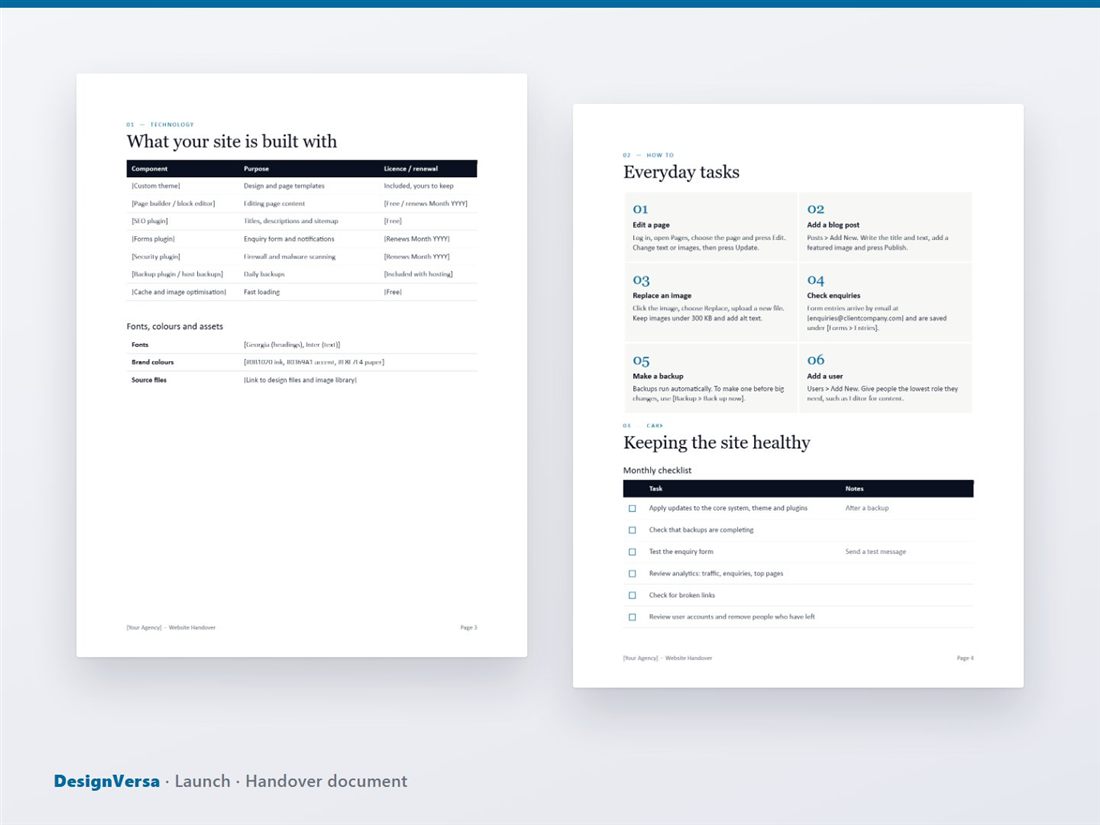
- Run the training session for the client's team, and send a handover document.
- Book a review call at around 30 days.
Use a checklist you can tick off
Keeping this in your head is risky. Our Launch pack turns it into a 46-task Excel checklist with owners, due dates that count back from your launch date, status drop-downs and a progress sheet, plus a client handover document, a first 30 days guide and a feedback and testimonial request. If you are earlier in a project, start with the client onboarding checklist.
Ready-made templates for your next project
HTML website templates, admin dashboards and editable business templates, with live previews and instant download.